Editor PDF icon
Editor PDFby CyberSecInfo
Free & open source

Edit, sign and organize your PDFs

A complete PDF editor for your phone and computer. Everything happens on your device: your documents are never uploaded anywhere.

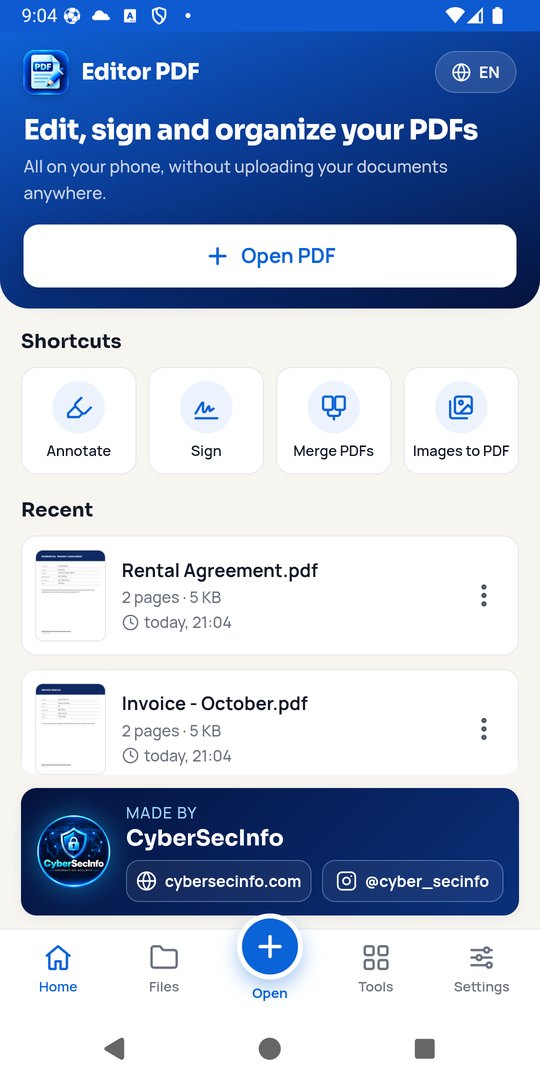
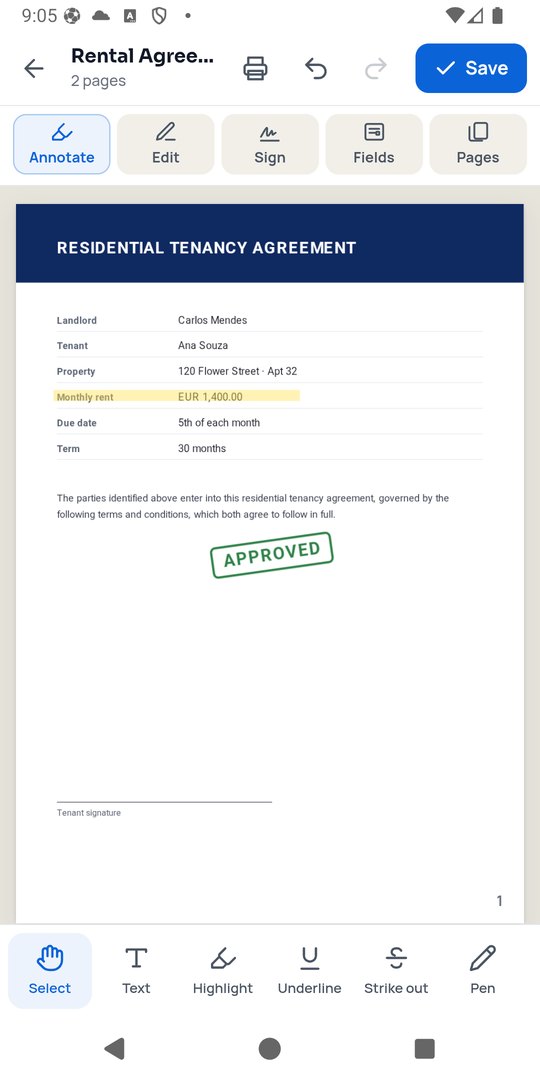
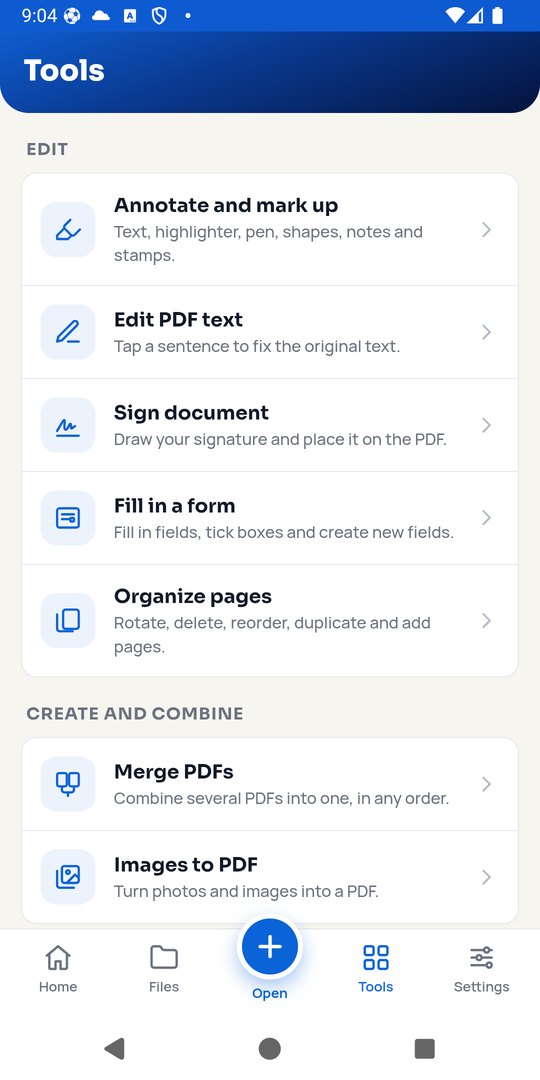
Editor PDF home screen Editing a contract with highlight and stamp List of PDF tools
🚀
Coming soon to Google Play and the App Store

Editor PDF is being launched on Google Play and the Apple App Store. Until then, Android and computers can install it directly from this page.

Download on the App StoreComing soonGet it on Google PlayComing soon

Download

Version 1.0.0 · free and open source (AGPL-3.0) · English and Portuguese

Android

Android 7.0 or later

Download APK 25.9 MB Get it on Google PlayComing soon
How to install
  1. Tap Download APK on your phone.
  2. Open the downloaded file.
  3. If asked, allow your browser to install unknown apps, then tap Install.

iPhone

iOS 15 or later

Launching soon
Download on the App StoreComing soon
Why not a direct download?

Apple only allows iPhone apps to be installed through the App Store (or its TestFlight beta program). As soon as Apple approves Editor PDF, the button above will take you straight to it.

Windows

Windows 10 and 11 (64-bit)

“Windows protected your PC”?

The installer is new and not yet code-signed, so Windows SmartScreen may warn you. Click More info → Run anyway.

macOS

macOS 12 or later

“Can't be opened” message?

The app is not notarized by Apple yet. After dragging it to Applications, open System Settings → Privacy & Security and click Open Anyway.

Linux

64-bit (x86_64)

Running the AppImage

Make it executable with chmod +x EditorPDF-1.0.0.AppImage and open it.

What it does

The same features on every platform.

Edit the original textTap a sentence and fix it — colour and weight are kept.
Sign documentsDraw your signature once and place it on any PDF.
AnnotateHighlighter, pen, shapes, notes, underline and stamps.
Fill in formsFill fields, tick boxes and create new fields.
Redact for realBlacked-out text is erased from the file, not just covered.
OCRMake scanned documents searchable and copyable.
CompressShrink PDFs to send by email or WhatsApp.
ConvertPDF to Word, images and text, PDF/A, images to PDF.
Organize pagesMerge, split, extract, rotate, reorder and duplicate.
ProtectAES-256 passwords, remove passwords and clean metadata.
Watermark & numberingWatermarks, page numbers, headers and footers.
Print & sharePrint or share straight from the app.

Your documents never leave your device

No account, no ads, no tracking and no uploads. Read the privacy policy. Open source under AGPL-3.0 — source code on GitHub.

CyberSecInfo — Information Security
Made by CyberSecInfo Information Security
SHA-256 checksums

Verify your download against SHA256SUMS.txt.